
Key facts
- Manuals
- 3
- Languages
- EN
- Last added
- 2023-10-21
Featured ALLIED TIME manuals
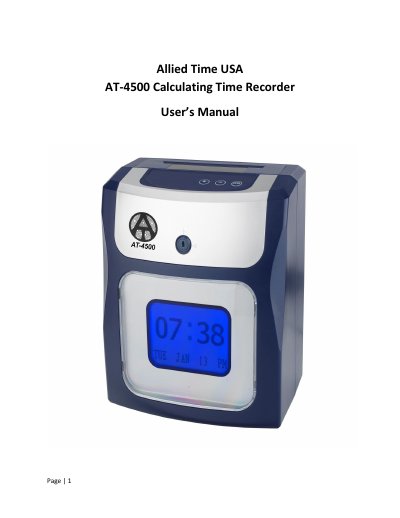
Allied Time AT-4500 Calculating Time Recorder User’s Manual
The AT-4500 is a time recording device that calculates employee hours and overtime. It uses pre-numbered time cards (1–50) and can be configured for weekly, bi-weekly, semi-monthly, or monthly pay cycles. Setup includes configuring date, time, and pay rules via a menu system. Time cards are printed with punch data and can be used for two pay cycles if configured. The device ships with 4 packs of cards, card racks, and a manual.
Covers: Overview · Time Card Assignment · Package Contents · Replacement Parts List · Setup Instructions · General Setup
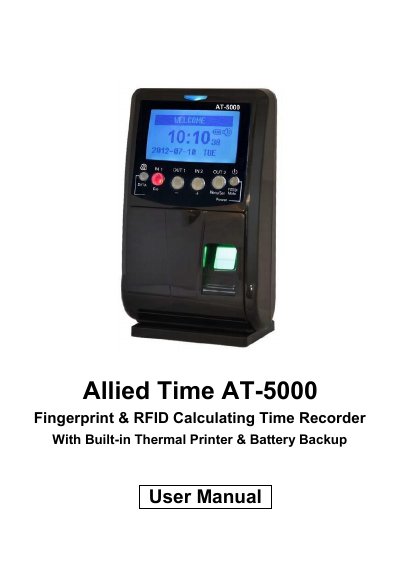
Allied Time AT-5000 Fingerprint & RFID Time Recorder User Manual
The Allied Time AT-5000 is a biometric time clock designed for small businesses, allowing employees to record punches via fingerprint scan or RFID card. It features a built-in thermal printer and battery backup, supporting up to 200 users and 1,000 fingerprints with a storage capacity of 90,000 data records. The device calculates total hours worked based on actual punch times and supports various shift configurations.
Covers: Features Overview · Safety Information · Unpacking the Unit · Setup Your System · Clock Operations · Replacing Thermal Printer Roll
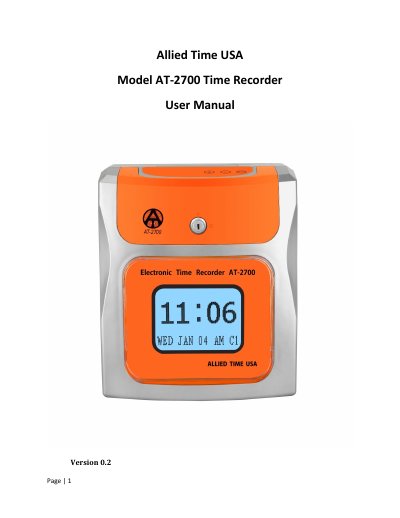
Allied Time AT-2700 Time Recorder User Manual
This manual provides step-by-step instructions for setting up and operating the Allied Time AT-2700 time recorder. It covers configuring the clock for different pay cycles (weekly, bi-weekly, semi-monthly, monthly), setting time and date, managing time cards, and troubleshooting common errors. It also includes instructions for replacing the ribbon cartridge and accessing hidden menus for advanced settings.
The device uses punched time cards numbered 1–50 to record employee punches, with each card supporting up to 90 punch entries across both sides. The manual explains how to adjust display and print formats, handle daylight savings, and reset the clock for new pay periods.
Covers: Setup Instructions · Password · Clear Data · Factory Default · Hidden Menus · Customer Support
Latest ALLIED TIME manuals
Allied Time AT-4500 Calculating Time Recorder User’s Manual
User Manual 10 pages · 730 KB · ENUser manual for Allied Time AT-4500 time clock, covering setup, time card use, and pay cycle configuration.
Allied Time AT-5000 Fingerprint & RFID Time Recorder User Manual
User Manual 23 pages · 691 KB · ENUser manual for the Allied Time AT-5000 biometric time clock, covering setup, employee registration, clock operations, and troubleshooting.
Allied Time AT-2700 Time Recorder User Manual
User Manual 8 pages · 939 KB · ENUser guide for Allied Time AT-2700 time recorder covering setup, pay cycle configuration, password, troubleshooting, and ribbon replacement.
Which document do I need?
User Manual
Day-to-day operation, settings and troubleshooting. Start here if the product is already set up.
Questions answered in ALLIED TIME manuals
How many employees can the AT-4500 support?
The AT-4500 can support up to 50 employees using pre-numbered time cards.
From: Allied Time AT-4500 Calculating Time Recorder User’s Manual
Can I use the same time card for two pay cycles?
Yes, you can adjust the clock to record two pay cycles on one card (one on side-1, next on side-2), typically for weekly or bi-weekly pay.
From: Allied Time AT-4500 Calculating Time Recorder User’s Manual
How many employees can be registered?
The device supports a maximum of 200 employees.
From: Allied Time AT-5000 Fingerprint & RFID Time Recorder User Manual
What is the storage capacity for punch data?
The clock can store up to 90,000 data records.
From: Allied Time AT-5000 Fingerprint & RFID Time Recorder User Manual
How many employees can the AT-2700 support?
The clock supports up to 50 employees.
How do I set the pay cycle?
Select PAY=WEEKLY, PAY=BI-WEEKLY, PAY=SEMI-MONTHLY, or PAY=MONTHLY, then configure the start or end date as needed.