
This manual introduces the use of allied time at-2700 time recorder, including time card assignment, card number, use method, etc
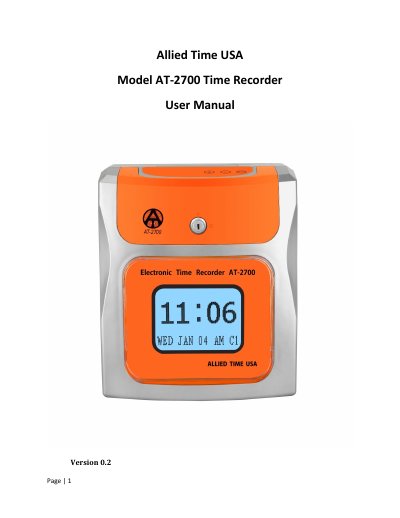
This manual provides step-by-step instructions for setting up and operating the Allied Time AT-2700 time recorder. It covers configuring the clock for different pay cycles (weekly, bi-weekly, semi-monthly, monthly), setting time and date, managing time cards, and troubleshooting common errors. It also includes instructions for replacing the ribbon cartridge and accessing hidden menus for advanced settings.
The device uses punched time cards numbered 1–50 to record employee punches, with each card supporting up to 90 punch entries across both sides. The manual explains how to adjust display and print formats, handle daylight savings, and reset the clock for new pay periods.
| Maximum Employees | 50 |
|---|---|
| Time Card Capacity | 90 punch times per card |
| Time Card Format | Punched cards numbered 1–50 |
The clock supports up to 50 employees.
Select PAY=WEEKLY, PAY=BI-WEEKLY, PAY=SEMI-MONTHLY, or PAY=MONTHLY, then configure the start or end date as needed.
The clock will treat it as the same card and may incorrectly clock one employee out instead of in.