
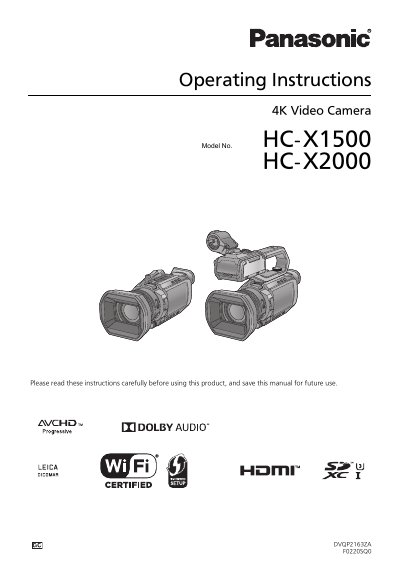
This document is the operating instructions for the Panasonic HC-X1500/HC-X2000 4K digital camera, which mainly introduces the use of the camera, precautions, etc.
This manual provides safety guidelines and operating instructions for the Panasonic HC-X1500 and HC-X2000 4K video cameras. It includes warnings about environmental conditions, battery handling, and electromagnetic interference. The document also covers connection methods for PCs and TVs, headphone use, lens safety, and software licensing details. Safety symbols and trademarks are explained, along with model-specific notes and abbreviations used in the guide.
The manual advises users to use only genuine Panasonic batteries, avoid exposing the camera to moisture or heat, and ensure proper ventilation. It also includes information on connecting via USB and HDMI, handling the tripod, and avoiding damage from strong jolts or dragging cords. Legal and licensing information for software components is provided, including open-source licenses and contact details for source code requests.
This document describes the operation of models HC-X1500 and HC-X2000.
Turn this unit off and remove the battery or disconnect AC adaptor. Then reinsert the battery or reconnect AC adaptor and turn this unit on.
Panasonic AG-VBR59//W-VBD58 batteries may be used with this product. Do not use counterfeit batteries as they may cause fire or explosion.
Use a commercially-available generic USB2.0 cable. A USB2.0 cable is not supplied with this unit.