
This document introduces the basic operations of the Canon HC-W850/HC-V750 series HD video cameras.
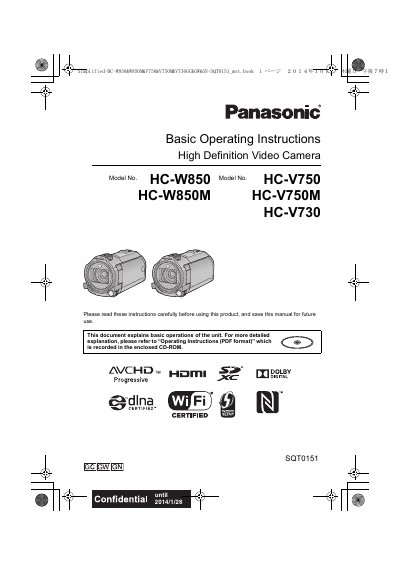
This document provides basic operating instructions for Panasonic’s HC-W850 and HC-V750 HD video cameras. It covers safety precautions, battery and power handling, recording formats (AVCHD, MP4, iFrame), SD card compatibility, and touch screen operation. It also includes guidance on Wi-Fi connectivity, playback, and troubleshooting condensation. For detailed instructions, users are directed to the PDF version on the included CD-ROM.
The manual includes safety warnings for battery disposal, ventilation, and electromagnetic interference, and specifies compatible accessories such as SD cards, HDMI cables, and optional kits. It also addresses regional variations in accessories and power adapters.
| Recording Formats | AVCHD, MP4, iFrame |
|---|---|
| SD Card Compatibility | SD, SDHC, SDXC (4GB+) |
| Battery Model | VW-VBT190 |
You can select from AVCHD, MP4, or iFrame recording formats.
SD, SDHC, and SDXC cards with 4GB or more capacity are compatible.
Remove the battery and/or AC adapter and leave the unit for about one hour to allow it to acclimate to the temperature.