
Introduces the network operation methods of PT-DZ570E/PT-DZ570U, PT-DW530E/PT-DW530U, PT-DX500E/PT-DX500U
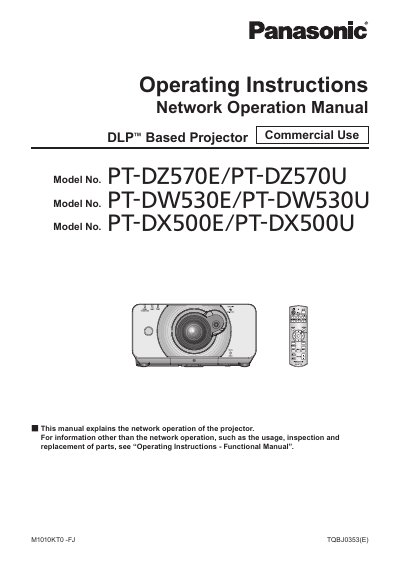
This manual explains how to configure and operate the network features of Panasonic DLP projectors, including wired and wireless LAN connections, web browser control, and PJLink protocol commands. It covers security settings, computer compatibility, and troubleshooting for network-related issues.
The document includes detailed instructions for setting up network control, changing passwords, performing computer searches, and using web browsers or command-line tools to manage the projector remotely. It also provides notes on wireless interference, static electricity, and regional restrictions for wireless LAN usage.
Set passwords, limit user access, use strong passwords, change passwords periodically, and always use a network with a firewall.
Channels vary by country; for example, the U.S. uses 2.412 MHz–2.462 MHz (channels 1–11), while Singapore uses 2.472 MHz.