
IS-C1603H Intelligent Controller Users Manual is a product manual published by NKK Switches, which mainly introduces the functions, features and operational details of this product
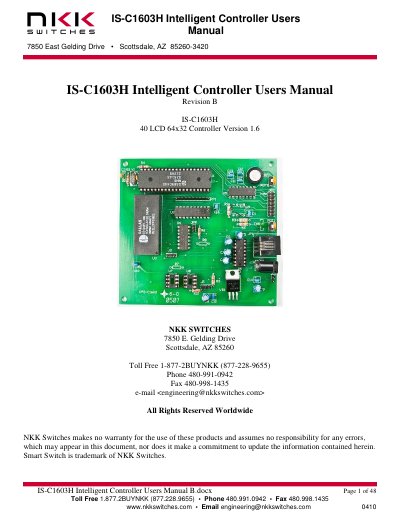
This manual details the IS-C1603H intelligent controller, designed to manage up to 40 LCD 64x32 switches/displays. It supports serial communication via RS232 or RS422, user-defined fonts and images, and customizable switch behavior. The controller can operate in standalone or host-controlled modes, with configurable reports for switch and image actions.
The document also covers compatible logic boards, operational modes, power-up sequences, and firmware programming. It includes specifications for LED backlighting, attribute blocks, and image data handling, with detailed instructions for setup and troubleshooting.
| Controller Type | Intelligent Controller |
|---|---|
| Max Switches/Displays | 40 LCD 64x32 |
| Communication | RS232 (9.6K, 19.2K, 57.6K default) or RS422 optional |
| Memory | 255 images and attributes |
| LED Backlighting | User-defined blinking OFF duration and on-to-off ratio |
Up to 40 LCD 64x32 switches/displays.
RS232 (9.6K, 19.2K, 57.6K default) or RS422 optional.
Yes, it can be customized with user-defined fonts, images, and switch behaviors.
Upon power-up, data from Page 1 is displayed on switch 1, Page 2 on switch 2, etc., up to 40 switches.