
This is a file about how to use ImageShare to upload and share medical images.
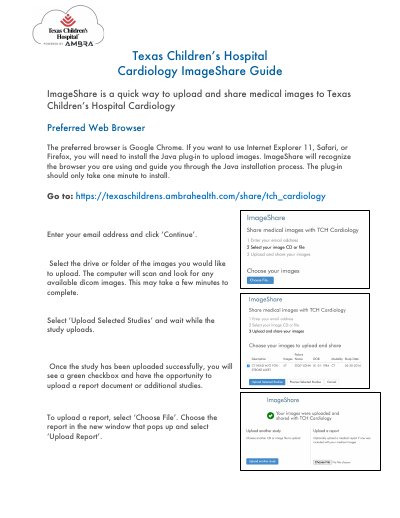
This guide explains how to use ImageShare to upload medical images. Users must use a compatible browser, such as Google Chrome, or install Java for Internet Explorer, Safari, or Firefox. After entering credentials, users select DICOM images from a drive or folder and upload them. Reports can also be uploaded after successful image upload.
The preferred browser is Google Chrome. If using Internet Explorer 11, Safari, or Firefox, you will need to install the Java plug-in.
Enter your email address, select the drive or folder with DICOM images, and click ‘Upload Selected Studies’.