
This document is the SYLVANIA SMART+ User Guide, which introduces how to use voice control, including device configuration.
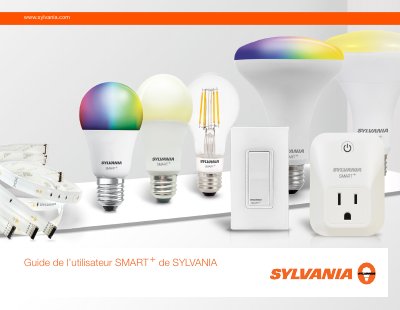
This guide explains how to set up and control Sylvania SMART+ Zigbee smart bulbs using voice commands with Amazon Echo Plus or the Alexa app. It includes step-by-step instructions for pairing the bulb with a Zigbee hub, troubleshooting common issues, and resetting the device if needed. The guide also covers firmware updates to switch compatibility between Apple HomeKit and BLE Mesh systems.
Say 'Alexa, search devices' or use the Alexa app to add the device and select 'Other' if the bulb isn't found.
Turn the bulb off and on five times to reset it, then repeat the pairing steps.
Log into the Sylvania app, select firmware updates, find the device, and confirm the update changes compatibility from Apple HomeKit to BLE Mesh.