
This document introduces the voice setup and app setup methods of SYLVANIA SMART+.
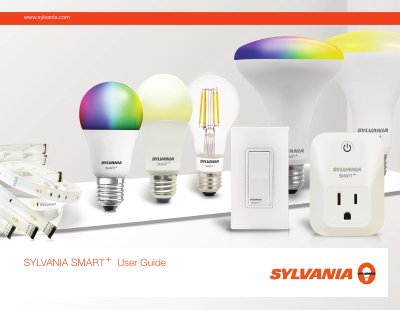
This guide explains how to set up and control Sylvania SMART+ Zigbee light bulbs using voice assistants like Alexa or Google Assistant, or via the Sylvania app. It includes steps for pairing the bulb with a Zigbee hub, troubleshooting pairing issues, and resetting the device. The guide also covers firmware updates to switch between Apple HomeKit and BLE Mesh compatibility modes.
The document is designed for end users and includes visual instructions for app setup and voice control, with troubleshooting tips for common issues such as failed pairing or app login problems.
Open the Amazon Alexa app, press 'Add device', select 'light', choose 'Sylvania' or 'Other', then press 'Discover Devices'.
Power cycle the bulb by turning it off and on five times to reset it.
Turn the bulb off and on five times, or unscrew and screw it back in to reset.