
This manual introduces the features and characteristics of the Veeder-Root brand C628 timer, including installation, connection, operation and programming modes.
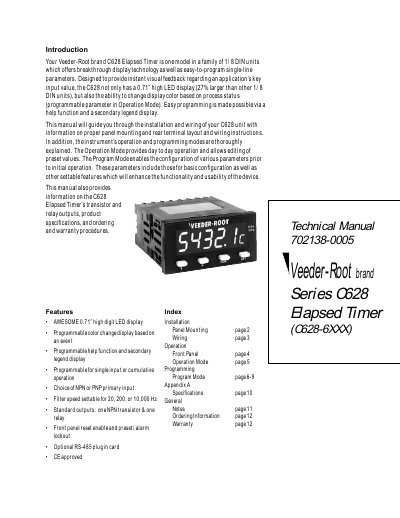
This manual guides users through installing and wiring the Veeder-Root C628 Elapsed Timer, including panel mounting and terminal connections. It explains operation and programming modes, with detailed instructions for editing parameters and configuring outputs. The device features a high LED display, programmable color changes, and support for NPN/PNP inputs.
| Display Size | 20.71" high LED display |
|---|---|
| Display Color | Programmable color change based on process status |
| Outputs | One NPN transistor & one relay output |
Mount the unit in a panel with a thickness up to 6mm using the mounting grooves and clamp. Slide the clamp into place and ensure the unit is square against the panel.
Operation Mode allows daily use and editing of preset values. Program Mode enables configuration of parameters like input type, timing direction, and time format before initial operation.
Yes, the display color can be programmed to change based on process status using the Operation Mode.