
Veeder Root C342 DC Powered LCD Display is a programmable counter and timer that features an 8-digit LCD display and comes in a 1/32 DIN package. It offers a variety of functions including count totalizer, time totalizer, tachometer, and a PLC message display.
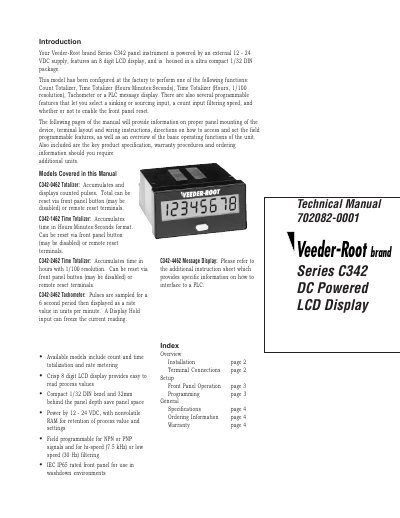
This manual covers the installation, wiring, and programming of the Veeder-Root C342 DC-powered LCD display. The device features an 8-digit LCD screen, compact 1/32 DIN housing, and supports various functions including totalizers, timers, and tachometers. It is powered by 12–24 VDC and can be configured for NPN or PNP inputs with selectable filtering speeds. The manual includes terminal layouts, mounting instructions, and programming steps for field configuration.
The C342 is available in five models: Count Totalizer, Time Totalizer (Hours:Minutes:Seconds), Time Totalizer (Hours with 1/100 resolution), Tachometer, and Message Display. Each model has specific operating behaviors and reset options. The unit is IP65 rated for washdown environments and retains settings via nonvolatile RAM.
| Display Type | 8 digit LCD |
|---|---|
| Power Supply | 12 - 24 VDC (+20%/-10%), 5 mA, Max. |
| Operating Temperature | -10 °C to 50 °C |
| Display Height | 7 mm |
| Physical Dimensions | 24mm x 48mm, 32mm deep |
| Front Panel Rating | IEC IP65 |
| Data Retention | Nonvolatile RAM, >10 years |
Enter Program Mode by holding the Front Panel Reset (FPR) key during power-up. Scroll through input configuration choices using brief presses of FPR, then hold FPR for 2 seconds to select.
The display shows time in hours with 1/100 resolution, formatted as 999999.99.
Yes, the front panel reset can be disabled through the programming procedure.
The maximum input voltage is 30 VDC.