
This document introduces the features and characteristics of Veeder-Root brand C628 Totalizer, including display technology, parameter setting, installation and wiring
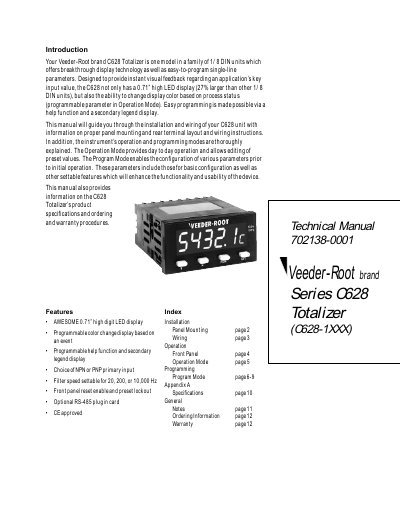
This manual provides step-by-step instructions for installing and wiring the Veeder-Root C628-1XXX Totalizer, including panel mounting and terminal connections. It explains how to operate the device in both Operation and Program modes, detailing how to change preset values, configure parameters, and use the front panel controls. The guide also covers features like programmable display color, help function, and optional RS-485 communication.
| Display Size | 0.71” high LED display |
|---|---|
| Display Color | Programmable color change based on process status |
| Input Type | Choice of NPN or PNP primary input |
| Filter Speed | Settable for 20, 200, or 10,000 Hz |
| Display Color | Programmable color change based on process status |
Hold the Program Key for 3 seconds to enter Program Mode.
The default filter speed is 10,000 Hz.
Yes, the display color can be changed based on process status.
The count value ranges from 0 to 99999.