
In-Sight® 3800 Series Reference Manual
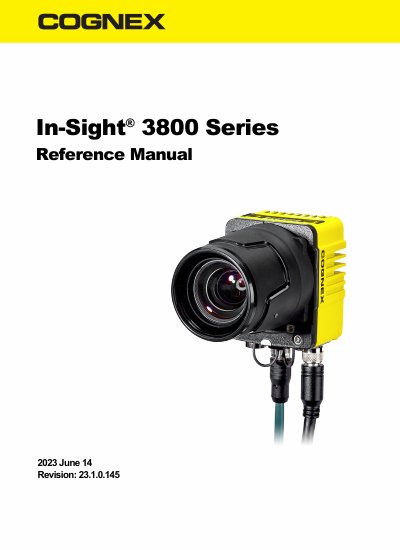
This manual provides instructions for installing, configuring, and maintaining the Cognex In-Sight 3800 Series vision system. It includes details on mounting brackets, cable connections, lens installation, and cleaning procedures. The system is designed for high-speed, high-resolution inspection automation in manufacturing.
The manual also covers safety precautions, regulatory compliance, and technical specifications for the vision system and its components, including supported lenses and filters.
| Image Sensor | In-Sight 3800 Series Vision System Image Sensor |
|---|---|
| LED Wavelengths | Not specified in text |
| Acquisition Trigger Input | Not specified in text |
| High-Speed Outputs | Not specified in text |
| Ethernet Cable | Cat 5e or higher |
It is an advanced vision system for inspection automation in manufacturing, including defect detection, assembly verification, and character reading.
Available accessories include lenses (16mm and 24mm manual and high-speed liquid), bandpass filters (blue and red), and mounting brackets.