
SuperSpeed USB trident logo is a registered trademark of USB Implementers Forum, Inc.
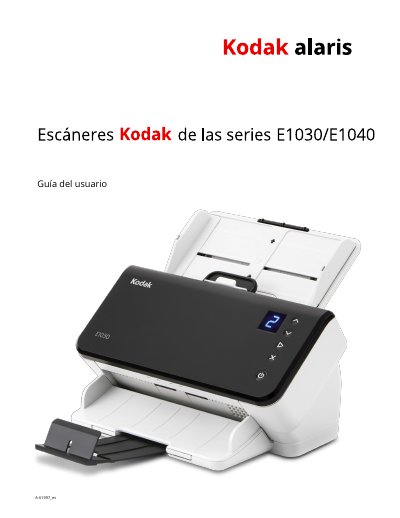
This user guide provides instructions for the Kodak E1030 and E1040 series of color, duplex, compact document scanners. These models are designed for personal and group work use, offering scanning speeds of 30 to 40 pages per minute at 200/300 dpi. The guide covers setup, software installation, and basic scanning procedures using Kodak applications or TWAIN/ISIS drivers. This manual is written in Spanish.
| Scanning Speed | 30 to 40 pages per minute |
|---|---|
| Input Tray Capacity | 80 pages |
| Display | 1.5 inch 7-segment display |
| Resolution | 200/300 dpi |
This guide covers the Kodak E1030 and E1040 scanners.
You can verify the driver version in the Control Panel under Configuration > Diagnostics.
Warranty information is available in Annex B of this document, specifically for the US and Canada.