
This document describes how to use T-Mobile 5G Gateway, including setup, connecting devices, and troubleshooting
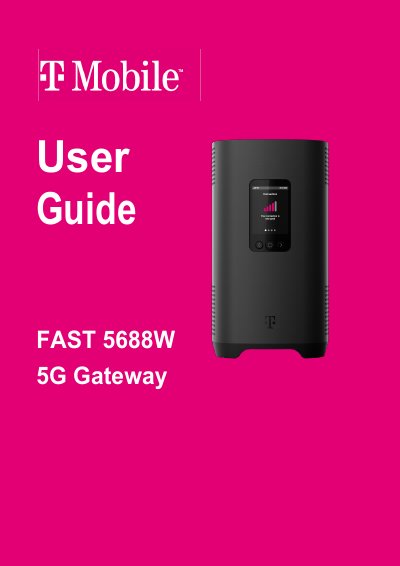
This guide explains how to set up and use the T-Mobile FAST 5688W 5G Gateway, including physical placement, power connection, Wi-Fi and Ethernet setup, and accessing the web GUI. It also covers safety guidelines, device connectivity, and troubleshooting common issues like no signal or poor internet experience.
The gateway provides 4G/LTE or 5G/NR mobile network connectivity and functions as a home network router. It includes safety instructions for indoor use, ventilation, and power handling, and provides steps for replacing the SIM card and resetting the device.
| Operating Temperature | 0°C to +50°C (32°F to 122°F) |
|---|---|
| Relative Humidity | 20% to 90% |
| Altitude | 2743 meters (9000 feet) maximum |
Connect the USB Type-C power cable to the gateway’s Power port, then plug the other end into a grounded electrical outlet. Use only the provided power adapter.
Enter http://192.168.12.1 in your web browser to access the gateway’s graphical user interface.
Unplug the gateway’s power supply, then follow the safety steps provided in the guide to safely remove and replace the SIM card.