
This Sync UP user guide introduces the various components of the device, its features and how to charge it.
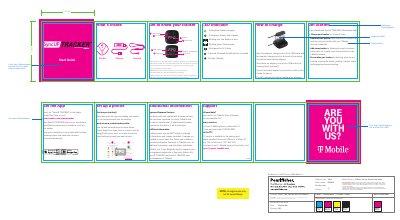
This guide explains how to charge, pair, and personalize your SyncUP TRACKER using the T-Mobile app. It details the tracker’s components, including the LED indicator, speaker, and magnetic charging strip. The guide also covers app setup, tracking customization, and support resources.
For optimal performance, ensure your smartphone meets the minimum technical requirements and is updated. The tracker requires a qualifying T-Mobile plan and GPS signal to function. Unauthorized firmware will prevent operation.
Align the magnetic charging pins of the USB cable with the magnetic charging port on the back of the device, then connect the USB end to the charging block and the travel adapter to an electrical outlet.
Solid yellow: Battery charging. Solid green: Battery fully charged. Blinking red: Low Battery or alert. Blinking green: Pairing mode. Solid green for 2s: Paired. Solid red: Received Find My Device command. No light: Standby.
Download the SyncUP TRACKER app, sign in with your T-Mobile account, and scan the QR code on the tracker during onboarding.