
This document describes the maintenance and inspection methods for BYD Battery-Box Premium LVS
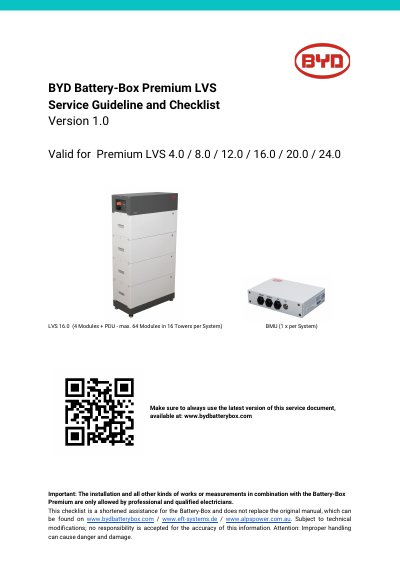
This service manual provides step-by-step instructions for installing, troubleshooting, and maintaining BYD Battery-Box Premium LVS systems. It covers general setup steps, error analysis for BMU and inverter communication issues, firmware updates, and LED event codes. The guide also details service tasks such as replacing the BMU, PDU, or LVS modules, and includes a checklist for contact information and data download using the Be Connect Plus (BCP) tool.
The manual emphasizes safety, requiring only qualified electricians to perform work, and stresses the importance of using the latest firmware and app configuration for proper operation.
| Maximum Modules per System | 64 Modules in 16 Towers |
|---|---|
| BMU Requirement | 1 x per System |
| Recommended Communication Cable | CAT5 or higher |
| Terminal Resistor | 120 Ω between pin 5 and 6 |
The BMS update can take up to 30 minutes after the BMU updates it.
The minimum Android version requirement for the app is 4.4.
The BMS update can take up to 30 minutes until the firmware is updated.
The terminal resistor must be a 120 Ω resistor connected between pin 5 and 6.