
This document is the user manual for Epson EK-625U multimedia projector, which introduces the product features and usage methods.
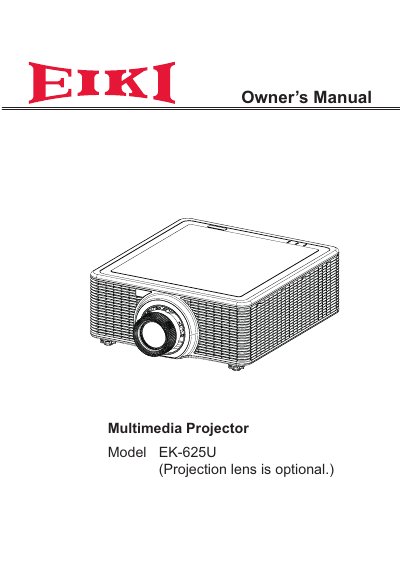
The Epson EK-625U is a compact DLP multimedia projector designed for portability and ease of use. It features a high-luminance Eco-friendly system with a palette of 1.07 billion colors and supports resolutions up to WUXGA and WXGA. The device includes a Multi-scan system for quick computer signal setup and a digital zoom function for presentations.
Key features include manual laser diode control (Constant Power, Constant Luminance, or Eco Mode), a logo function for background customization, and a wired LAN network function for remote management. The projector also offers an Auto Setup function for automatic input search and signal adjustment, as well as power management features to reduce consumption and extend laser diode life.
| Display Technology | digital light processing (DLP) |
|---|---|
| Maximum Resolution | Up to WUXGA and WXGA |
| Menu Languages | 13 languages |
| Network Capability | Wired LAN |
The projector can accept resolutions up to WUXGA and WXGA.
Yes, the projector includes a Wired LAN network function for operation and management.
Brightness can be manually selected in Constant Power, Constant Luminance, or Eco Mode.