
厦门爱陆通通信科技有限公司 AR7088 ROUTER user manual, introduces the router's product overview, features, ordering information, installation, parameter configuration and other contents.
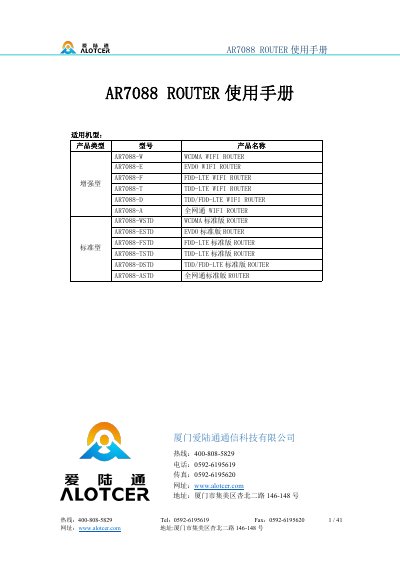
This user manual provides step-by-step instructions for installing and configuring the Alotcer AR7088 router. It covers network setup, wireless settings, VPN configurations, security features, and system management. The router supports multiple cellular networks including 2G, 3G, and 4G, and includes features like MAC filtering, firewall, and DDNS support.
The manual also details hardware specifications such as CPU, memory, interfaces, and power requirements, along with troubleshooting and maintenance procedures for optimal performance. This manual is written in Chinese.
| CPU | Industrial-grade 32-bit communication processor |
|---|---|
| Flash Memory | 16MB (expandable to 64MB) |
| SDRAM | 128MB |
| WAN Interface | 1 x 10/100M Ethernet (RJ45), 1.5kV isolation |
| LAN Interface | 1 x 10/100M Ethernet (RJ45), 1.5kV isolation |
| Power Supply | DC 5~35V |
| Dimensions | 136x99x28mm |
| Weight | 395g |
| Operating Temperature | -35~+75ºC |
| Storage Temperature | -40~+85ºC |
It supports 2G (GPRS/CDMA), 3G (WCDMA/HSPA+/CDMA 2000 1x EVDO), and 4G (TDD-LTE/FDD-LTE) networks from China Mobile, China Unicom, and China Telecom.
You can configure basic settings, wireless security (WEP, WPA, WPA2), and wireless status through the web interface.
You can access the configuration page by connecting the PC to the router via Ethernet or WiFi, then navigating to the web interface using the router's IP address.