
Instruction manual, which introduces the basic functions, usage methods and installation methods of XR10CX temperature controller.
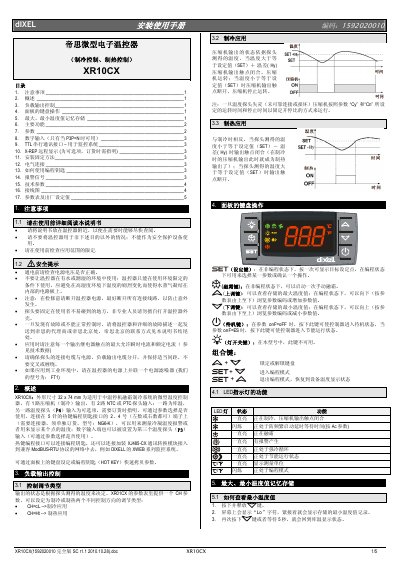
This manual provides instructions for installing and operating the dIXEL XR10CX, a miniature temperature controller for refrigeration and heating systems. It covers panel operation, parameter settings, alarm signals, wiring diagrams, and technical specifications. The device features 1 compressor output and 2 NTC/PTC probe inputs, with optional third and fourth probe inputs. It supports ModBUS-RTU communication via an optional XJ485-CX module and includes functions like manual defrost, strong cooling, and standby modes.
Safety precautions include checking power voltage, avoiding humid environments, and disconnecting power before maintenance. The manual also explains how to view and modify stored temperature values, set parameters, and handle probe failures. This manual is written in Chinese.
| 外形尺寸 | 32 x 74 mm |
|---|---|
| 控制类型 | 制冷或制热 |
| 探头输入 | 2路 NTC或 PTC探头输入 |
| 温差设置范围 | 0.1℃ ~ 25.5℃ |
| 设定点范围 | -50℃~110℃ |
| 上电输出延时 | 0~255 分钟 |
| 防频繁启动延时 | 0~50 分钟 |
Press and release the key to display 'Lo' for minimum or 'Hi' for maximum. Press again or wait 5 seconds to return to temperature display.
Hold the SET key for 2 seconds to display the setpoint. Use the up/down keys to adjust it within 10 seconds, then press SET again or wait 10 seconds to save.
When a probe fails, the compressor runs according to parameters 'COn' (on time) and 'COF' (off time) in a fixed on/off cycle.