
This manual provides operating instructions for the dIXEL XR03CX and XR04CX micro electronic thermostats, covering installation, parameter settings, and…
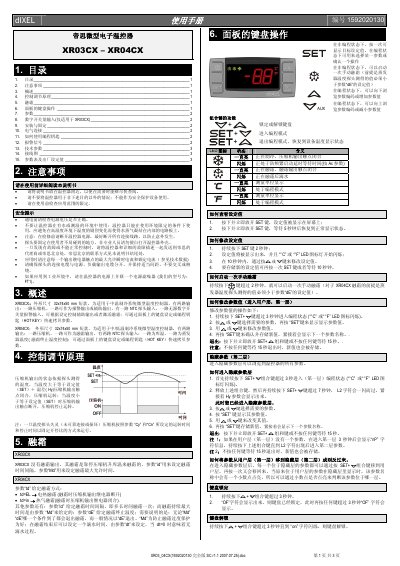
The document serves as a user guide for the dIXEL XR03CX and XR04CX series of micro electronic thermostats designed for medium to low-temperature refrigeration systems. The XR03CX features one compressor output and one auxiliary/alarm output with a single NTC probe input, while the XR04CX includes two outputs (compressor and defrost) and dual NTC inputs for storage and evaporator temperatures. This manual is written in Chinese.
| Dimensions | 32x74x50 mm |
|---|---|
| Application | Medium/Low temperature refrigeration systems |
Press and hold the SET+ key combination for more than 3 seconds until the LED icons flash.
Press and hold the key for more than 2 seconds to start manual defrosting, provided the evaporator temperature is below the set value.
A flashing LED indicates that the device is in programming mode or waiting for a defrost termination temperature.