
This manual covers the installation, operation, parameter settings, and troubleshooting for the DIXEL XR30CX micro electronic temperature controller.
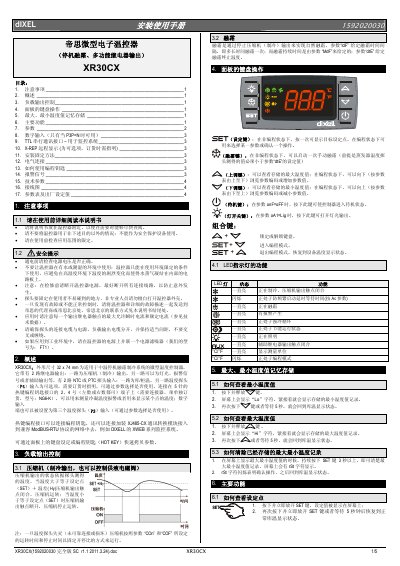
The DIXEL XR30CX is a miniature electronic temperature controller designed for medium-temperature defrosting refrigeration systems. It features two relay outputs: one for the compressor (cooling) and another for lighting, alarms, or auxiliary functions. The device accepts input from two NTC or PTC probes (one for cabinet/cabinet temperature and an optional second probe for condenser temperature monitoring). This manual is written in Chinese.
| Dimensions | 32 x 74 mm |
|---|---|
| Output Type | 2 Relay Outputs |
| Input Probes | 2 NTC or PTC probes |
Press and hold the SET+ key combination for more than 3 seconds.
It indicates that the keyboard is locked and only allows viewing of set points and stored temperature values.
While the max/min screen is displayed, press and hold the SET key for more than 3 seconds.