
Xerox Phaser 7100 Color Printer User Guide

This manual provides instructions on how to use the Xerox Phaser 7100 Color Printer, including installation, operation, and maintenance.
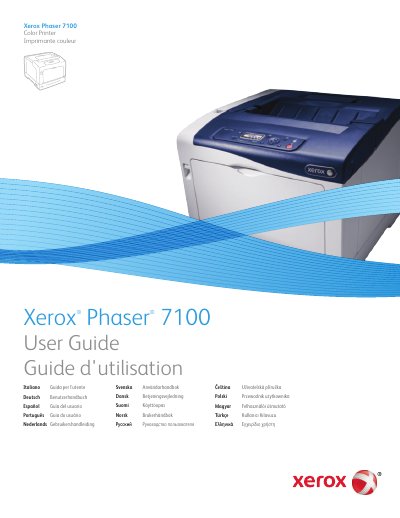

Xerox Phaser 7100 Color Printer User Guide - cover page
Brand
Xerox
Category
Printer
Document type
User Manual
Language
English
Pages
135
File format
PDF
File size
8.9 MB
Published
20 October, 2023
Updated
20 October, 2023
MD5 checksum
463345A21AD76296DE7BBF3A388FF99D

About this manual

This document serves as the official user guide for the Xerox Phaser 7100 Color Printer. It covers essential safety guidelines, detailed features, and step-by-step instructions for installation and setup, including network connections and software installation. The manual also explains how to load various paper types and manage printing jobs using the control panel and driver options.

What's inside

  • Safety
  • Features
  • Installation and Setup
  • Paper and Media
  • Printing
  • Maintenance
  • Troubleshooting
  • Specifications

Frequently asked questions

Is the printer a Class 1 Laser Product?

Yes, the printer complies with laser product performance standards and is certified as a Class 1 Laser Product.

What is the maximum voltage the printer can handle?

The printer operates on 120 V AC, 60 Hz.

What is the printer's maximum operating temperature?

The printer can operate between 50 °F and 104 °F.

What is the printer's maximum operating humidity level?

The printer operates within 20% to 80% relative humidity.

Download PDF (8.9 MB)

More Xerox Manuals


View all Xerox manuals →