
AT SERVER dotNET User Manual. Introduces the new features of AT SERVER dotNET, database connectivity, results, interface, built-in LocalDB and reports, as well as the history of AT Server versions.
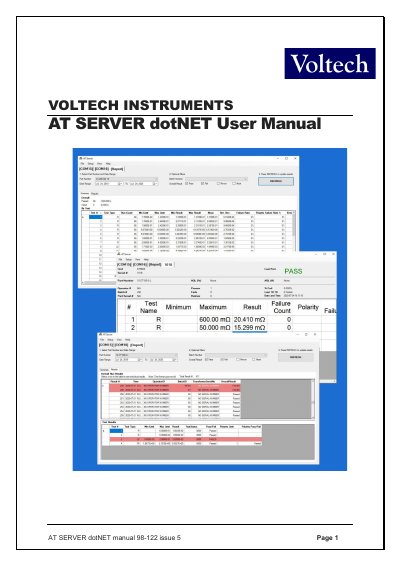
This manual provides instructions for the AT SERVER dotNET software (model 98-122), a centralized data storage system for the AT Series Transformer Testers. It details the installation process, computer requirements, and initial configuration steps for Windows 7, 8, and 10 operating systems.
The guide covers key features including database connectivity to external MS SQL or MS ACCESS databases, enhanced results display with customizable columns, and the built-in LocalDB database for local data storage and reporting. It also explains how to manage test programs, receive test results, and export data to formats such as CSV, TSV, or Excel.
| Operating System | Windows 7, 8 and 10. 32 or 64 Bit |
|---|---|
| Supported Testers | AT3600, ATi, AT5600 |
The PC must run Windows 7, 8, or 10 (32 or 64 Bit).
Yes, connection to external MS SQL or MS ACCESS databases is now a free feature for all users.
Yes, test results can be sent to the server and stored in an external database for offline analysis.