
Voltech Instruments AT Editor dotNET User Manual

AT Editor dotNET User Manual, introduces the software's functions and usage methods
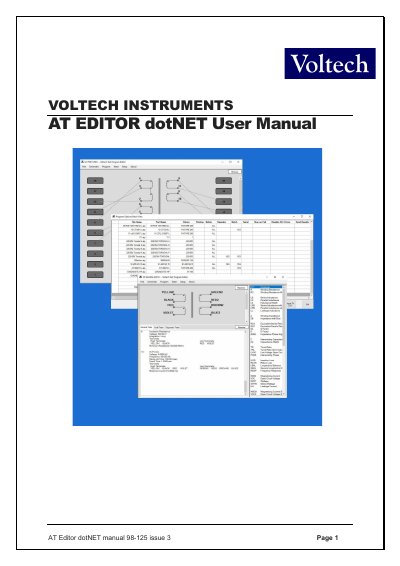

Voltech Instruments AT Editor dotNET User Manual - cover page
Brand
Voltech Instruments
Category
Other Electronics
Document type
User Manual
Language
English
Pages
166
File format
PDF
File size
2.7 MB
Published
20 October, 2023
Updated
20 October, 2023
MD5 checksum
3A97B0DE6720305111BBF845B70B9804

About this manual

This manual provides instructions for the AT Editor dotNET software, a complete rewrite of the legacy AT Editor program designed for Voltech Instruments AT series testers (AT3600, ATi, and AT5600). It details the installation process, computer requirements, and how to create schematics for transformer windings and core connections.

What's inside

  • Introduction
  • Installing the Editor Software
  • Creating the Schematic
  • Creating the Program
  • Programming Specific Tests
  • Firmware Upgrades
  • Self-Test
  • Customize Tester

Frequently asked questions

Which AT tester models are supported by this software?

The software supports the AT3600, ATi, and AT5600 testers.

Can I save test results and the program as a single PDF file?

Yes, the dotNET Editor allows you to save the last test results and program as one combined PDF.

What is the minimum DC current setting for LSBX, LPBX, and ZBX tests?

The minimum setting is 0.1A for these tests.

Download PDF (2.7 MB)

More Voltech Instruments Manuals


View all Voltech Instruments manuals →