
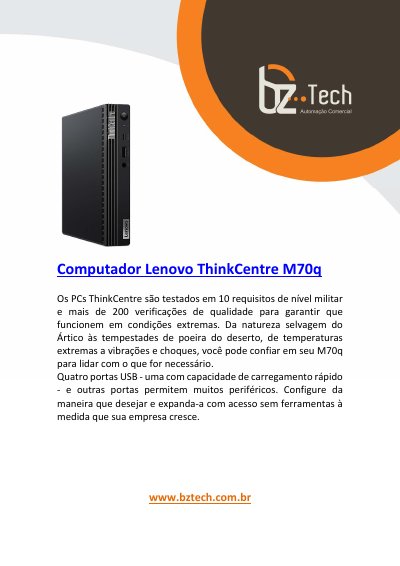
The ThinkCentre M70q is a computer that has been tested to 10 military-grade requirements and more than 200 quality checks to ensure it will work in extreme conditions. It has four USB ports—one with fast-charging capabilities—and other ports to accommodate many peripherals. It can be configured to your liking and expanded with tool-less access as your business grows.
This document serves as the official User Guide for the Lenovo ThinkCentre M70q and M80q desktop computers. It provides instructions on getting started with Windows 10, connecting to networks, and managing power settings. The guide details how to secure the computer using passwords, firewalls, and BIOS security solutions, as well as how to enter and configure the UEFI BIOS menu.
| Power supply | 65-watt, 90-watt, or 135-watt automatic voltage-sensing |
|---|---|
| Input voltage | 100 V ac to 240 V ac |
| Input frequency | 50/60 Hz |
| Memory type | DDR4 SODIMM |
| Dimensions (Height) | 179.0 mm (7.0 inches) |
| Dimensions (Depth) | 182.9 mm (7.2 inches) |
| Weight (Maximum) | 1.25 kg (2.76 lb) |
| USB-C transfer speed | Up to 5 Gbps |
You should read and understand the Appendix A Important safety information, the Safety and Warranty Guide, and the Setup Guide.
Enter the UEFI BIOS menu, click Devices, select USB Setup, then Front USB Ports, and enable USB Port 2.
The maximum configuration as shipped weighs 1.25 kg (2.76 lb).