
XS XS-1000 Automated Hematology Analyzer Quick Guide

XS-1000 Automated Hematology Analyzer Quick Guide
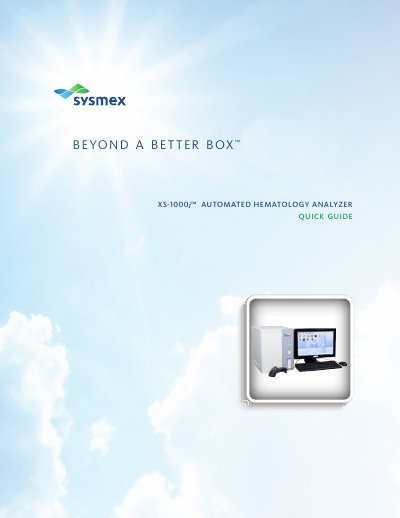

XS XS-1000 Automated Hematology Analyzer Quick Guide - cover page
Brand
XS
Category
Health Care
Document type
Quick Start Guide
Language
English
Pages
18
File format
PDF
File size
2.7 MB
Published
20 October, 2023
Updated
20 October, 2023
MD5 checksum
09308C2037A15F108B1D7DA5B02284C3

About this manual

This quick guide explains how to start up the XS-1000 analyzer, including powering on units and performing self-checks. It covers QC analysis using e-CHECK controls and manual sample processing. Sections also detail how to manage stored samples, reprint results, and register new QC lots. The guide assumes familiarity with basic operations and includes troubleshooting references.

What's inside

  • Start-Up Notes
  • QC Analysis
  • Sample Processing
  • Sample Explorer
  • New Lot Registration
  • QC Setup
  • Target Value Setting

Frequently asked questions

What user name and password are used for Windows logon?

“XS” is the user name and initially there is no password.

What should I do if a self-check fails?

Refer to the Instructions for Use Manual chapter on Troubleshooting.

Download PDF (2.7 MB)