
Key facts
- Manuals
- 1
- Languages
- EN
- Last added
- 2023-10-20
Featured XS manuals
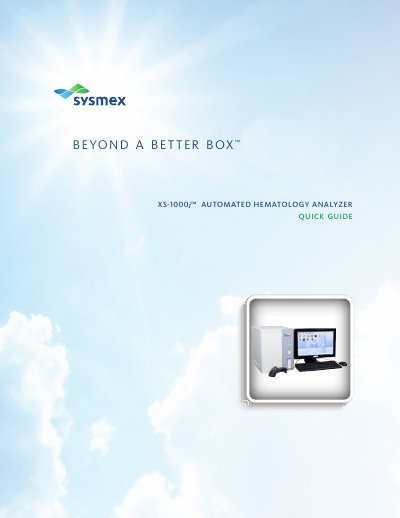
XS XS-1000 Automated Hematology Analyzer Quick Guide
This quick guide explains how to start up the XS-1000 analyzer, including powering on units and performing self-checks. It covers QC analysis using e-CHECK controls and manual sample processing. Sections also detail how to manage stored samples, reprint results, and register new QC lots. The guide assumes familiarity with basic operations and includes troubleshooting references.
Covers: Start-Up Notes · QC Analysis · Sample Processing · Sample Explorer · New Lot Registration · QC Setup
Latest XS manuals
XS XS-1000 Automated Hematology Analyzer Quick Guide
Quick Start Guide 18 pages · 2.7 MB · ENQuick guide for starting up, performing QC analysis, and processing samples on the XS-1000 automated hematology analyzer.
Which document do I need?
Quick Start Guide
The shortest path to a working setup, usually only a few pages.
Questions answered in XS manuals
What user name and password are used for Windows logon?
“XS” is the user name and initially there is no password.
What should I do if a self-check fails?
Refer to the Instructions for Use Manual chapter on Troubleshooting.