
This document is the instruction manual for Smart Dive Computer, which introduces the functions and features of the product, including operating modes, settings and functions, diving, diving alarms, display information, multi-gas mixture diving, bottom timer mode, freediving mode and maintenance instructions
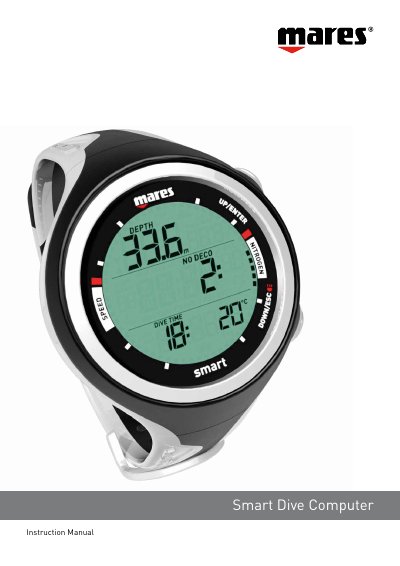
The Mares Smart is a dive computer that operates in two main modes: watch mode for surface activities and dive mode for underwater monitoring. In watch mode, users can change settings, review logbooks, and use the dive planner. In dive mode, the device monitors depth, time, and temperature while performing decompression calculations.
| Battery Type | CR2430 |
|---|---|
| Battery Life | 200-300 dives |
The battery symbol will blink on the display, and the device will not function as a dive computer or turn on if submerged.
From the main watch display and in dive mode, press and hold the lower button to activate the backlight.