
This is the instruction manual for GENIUS Dive Computer
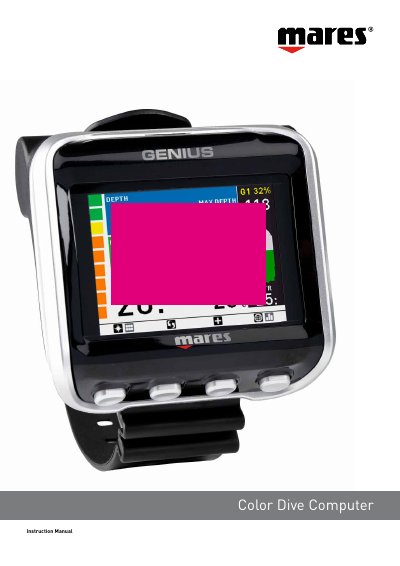
The document serves as an instruction manual for the Mares GENIUS Color Dive Computer. It covers essential topics including introduction to operating modes, button operation, mounting optional tank modules, and emergency procedures such as In Case of Emergency (ICE). The guide details how to set up dives with various algorithms and gas mixes, configure computer settings like language and units, and utilize the digital compass.
The manual also explains dive planning features, alarm systems for ascent rates and low battery, and post-dive logbook management. It includes specific instructions for diving with multiple gas mixtures (Nitrox, Trimix, Heliox) and provides maintenance information regarding battery replacement.
A ppO2 higher than 1.6bar is considered dangerous.
You must not dive if the display appears unusual or unclear.