
This document is the instruction manual for GENIUS Dive Computer
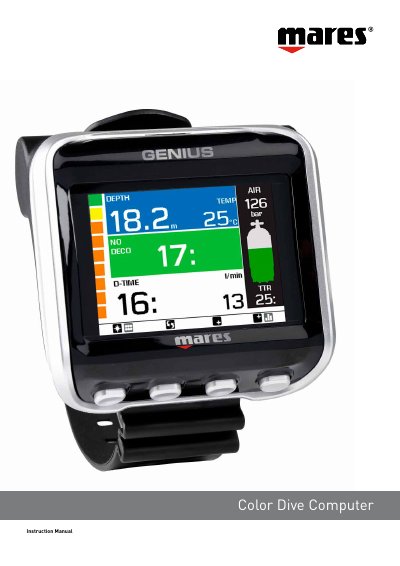
This manual provides comprehensive instructions for the Mares Genius dive computer, a device designed to assist divers in monitoring depth, time, and decompression obligations. It details the various operating modes, including single and multi-gas configurations, and explains how to navigate the main menu and utilize features like the digital compass and map functions.
The guide covers essential procedures such as turning the device on and off, charging the rechargeable battery, and pairing optional tank modules. It also includes specific sections on handling emergencies, interpreting display information, managing alarms, and performing maintenance tasks like battery replacement. Finally, it outlines the warranty terms and proper disposal methods for the device.
| Product Type | Dive Computer |
|---|---|
| Battery Type | Rechargeable |
| Communication | USB Cable or Bluetooth |
| Algorithm | Main GF |
The manual includes a specific section on charging the rechargeable battery, though detailed steps are not in the provided text.
Yes, the device supports the optional mounting and pairing of a tank module.
The manual provides a dedicated section on what to do in case of an emergency (ICE).