
SinoColor Software User Manual

This is SinoColor software user manual
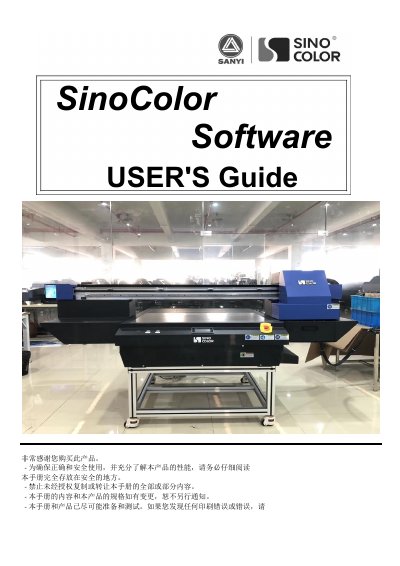

SinoColor Software User Manual - cover page
Brand
SINOCOLOR
Category
Printer
Document type
User Manual
Language
Chinese
Pages
64
File format
PDF
File size
4.5 MB
Published
20 October, 2023
Updated
20 October, 2023
MD5 checksum
D8D8A8EE927DE53429421AB34C8FEAC6

About this manual

This manual provides step-by-step instructions for installing and operating SinoColor software, including USB driver setup, printer calibration, ink cartridge installation, and troubleshooting common issues. It also details hardware requirements and safety precautions for proper machine operation.

The guide covers software functions such as color offset tables, cleaning settings, and motion calibration, along with printer hardware components and their functions. It includes troubleshooting sections for print failures, nozzle test errors, and missing print lines. This manual is written in Chinese.

What's inside

  • Machine Parts Introduction
  • USB Driver Installation
  • Ink Cartridge and Printhead Installation
  • Software Introduction
  • Printing
  • Software Function Introduction
  • System Menu
  • Frequent Trouble-Shooting

Frequently asked questions

What is the recommended computer memory requirement for the SinoColor Software?

The recommended computer memory is 4GB or higher.

What is the maximum weight of the SinoColor machine?

The total weight of the machine may reach 400kg or more.

What is the required room temperature range for the SinoColor machine?

Keep the room temperature between 20 -30C.

What voltage options are listed for the SinoColor machine?

The machine supports 220V or 110V.

Download PDF (4.5 MB)

More SINOCOLOR Manuals


View all SINOCOLOR manuals →