
Key facts
- Manuals
- 2
- Languages
- ZH · EN
- Last added
- 2023-10-20
Featured SINOCOLOR manuals
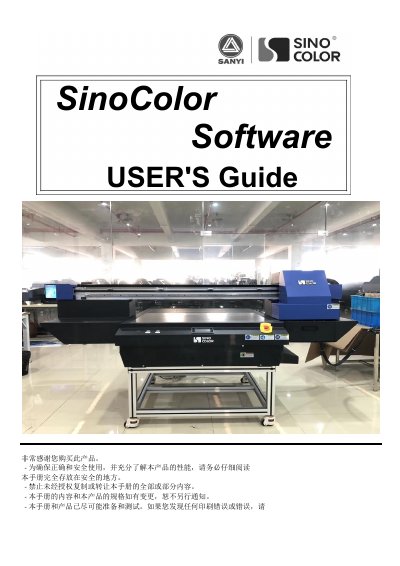
SinoColor Software User Manual
This manual provides step-by-step instructions for installing and operating SinoColor software, including USB driver setup, printer calibration, ink cartridge installation, and troubleshooting common issues. It also details hardware requirements and safety precautions for proper machine operation.
The guide covers software functions such as color offset tables, cleaning settings, and motion calibration, along with printer hardware components and their functions. It includes troubleshooting sections for print failures, nozzle test errors, and missing print lines. This manual is written in Chinese.
Covers: Machine Parts Introduction · USB Driver Installation · Ink Cartridge and Printhead Installation · Software Introduction · Printing · Software Function Introduction
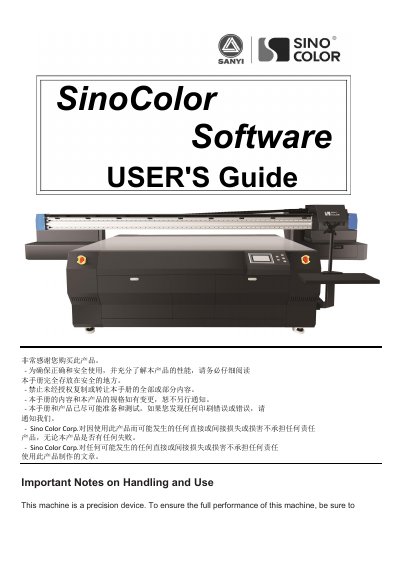
SinoColor Printer User's Guide
This manual serves as a comprehensive guide for the SinoColor printer, covering essential safety precautions, installation requirements for the machine and computer, and detailed steps for hardware setup. It includes instructions for installing USB drivers, connecting the PC, and setting up ink cartridges and printheads to ensure correct and safe operation.
Covers: Important Notes on Handling and Use · Installation Requirement · Machine parts introduction · USB Driver Installation · Damper and Printhead Installation · Software Intrduction
Latest SINOCOLOR manuals
SinoColor Software User Manual
User Manual 64 pages · 4.5 MB · ZHUser guide for SinoColor software covering installation, operation, troubleshooting, and printer setup instructions.
SinoColor Printer User's Guide
User Manual 63 pages · 4.4 MB · ENThis user guide provides installation requirements, operating instructions, and troubleshooting for the SinoColor printer software and hardware.
Which document do I need?
User Manual
Day-to-day operation, settings and troubleshooting. Start here if the product is already set up.
Questions answered in SINOCOLOR manuals
What is the recommended computer memory requirement for the SinoColor Software?
The recommended computer memory is 4GB or higher.
What is the maximum weight of the SinoColor machine?
The total weight of the machine may reach 400kg or more.
What computer specifications are required to run the software?
The computer must have a CPU of 2.5 GHz or higher, 2GB or higher memory, and 200GB or higher hard disk space.
Why is it necessary to install the USB Driver?
The USB Driver is needed to connect the computer and machine for data transmission; without it, the software will show 'offline'.