
This is the user's guide for SinoColor software
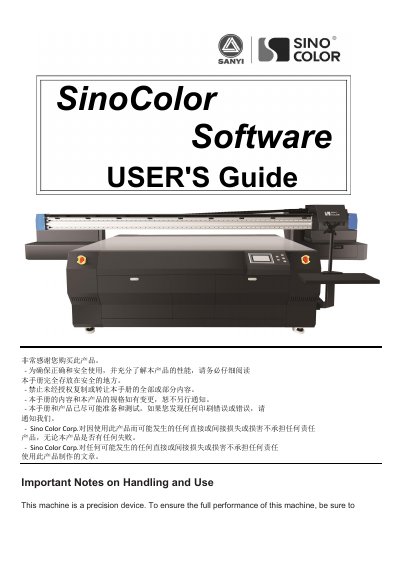
This manual serves as a comprehensive guide for the SinoColor printer, covering essential safety precautions, installation requirements for the machine and computer, and detailed steps for hardware setup. It includes instructions for installing USB drivers, connecting the PC, and setting up ink cartridges and printheads to ensure correct and safe operation.
| Machine Weight | 400kg or more |
|---|---|
| Operating Temperature | 20 -30C |
| Relative Humidity | 40 -60% |
| Minimum CPU Requirement | 2.5 GHz or higher |
| Minimum Memory Requirement | 2GB or higher |
| Minimum Hard Disk Requirement | 200GB or higher |
The computer must have a CPU of 2.5 GHz or higher, 2GB or higher memory, and 200GB or higher hard disk space.
The USB Driver is needed to connect the computer and machine for data transmission; without it, the software will show 'offline'.
Check if the PRN file in the software is correct and contact SinoColor technical support if the issue persists.