
MultiConnect® microCell MTCM2-L6G1 Configuration Guide introduces the configuration method of MTCM2-L6G1, including the configuration interface introduction, configuration method, configuration precautions, etc.
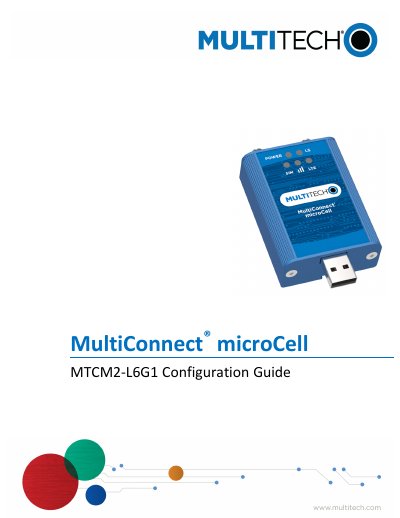
This guide explains how to configure the Multi-Tech Systems MTCM2-L6G1 cellular modem on Windows, Linux, and Apple Mac operating systems. It includes steps for installing drivers, setting up SIM cards, configuring APN, and using AT commands to check modem status. Troubleshooting sections address connectivity issues and LED indicators.
The guide also covers specific setup for Chromebooks and provides terminal commands for Linux to activate cellular interfaces and obtain IP addresses.
Download and install the Windows Driver and Connection Manager from ftp://ftp.multitech.com/wireless/mtcm2-l6g1/connectionmanager-2.1.0.3.msi. Connect the modem, insert the SIM card, and configure the APN if needed.
The guide provides instructions for configuring the device on Windows, Linux, Apple Mac, and Google Chromebook operating systems.
You must connect two antennas to the device before inserting the SIM card.
The USB modem is assigned a private IP address in the 192.168.15.x range to the Apple Mac OS virtual Ethernet interface.