
Multi-Tech Systems MTCDT mPower Edge Intelligence Software Guide

Introduces the mPowerTM Edge Intelligence Conduit AEP software and provides instructions for how to use the software.
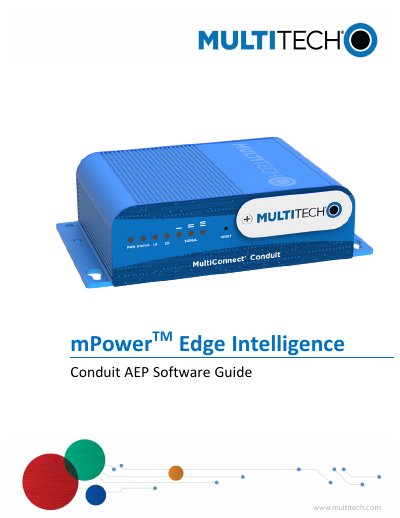

Multi-Tech Systems MTCDT mPower Edge Intelligence Software Guide - cover page
Brand
Multi-Tech Systems
Category
Other Electronics
Document type
User Manual
Language
English
Pages
111
File format
PDF
File size
849 KB
Published
19 October, 2023
Updated
19 October, 2023
MD5 checksum
02B7818DAA7B174A0CE326AB3379493E

About this manual

This document serves as the software guide for the mPower Edge Intelligence Conduit AEP software running on Multi-Tech Systems MTCDT devices. It provides instructions for configuring various network interfaces, including LoRaWAN, Wi-Fi, Bluetooth, and cellular connections, as well as setting up security features like firewalls and SSL/TLS.

What's inside

  • Product Overview
  • Using the Wizard to Configure Your Device
  • LoRaWAN Network Settings
  • Setup and Network Interfaces
  • Wireless Configuration
  • Firewall Rules
  • Cellular Configuration
  • Administration and Security
  • Status & Logs
  • Manage Apps

Specifications

Model NumberMTCDT
Part NumberS000727
Software Version5.0

Frequently asked questions

What is the purpose of the mPower Edge Intelligence software?

It provides secure data communication between many types of devices that use legacy and the latest communication technologies.

What communication technologies does the device support?

The device supports Bluetooth, Wi-Fi, GPS, and diversity capabilities, though specific support varies by model.

Download PDF (849 KB)

More Multi-Tech Systems Manuals


View all Multi-Tech Systems manuals →