
FaxFinder Fax Server FF240-IP, FF240, FF440, FF840 Administrator Guide

This manual provides information about how to set up, use, and maintain FaxFinder Fax Servers (FF240, FF240-IP, FF440, and FF840).
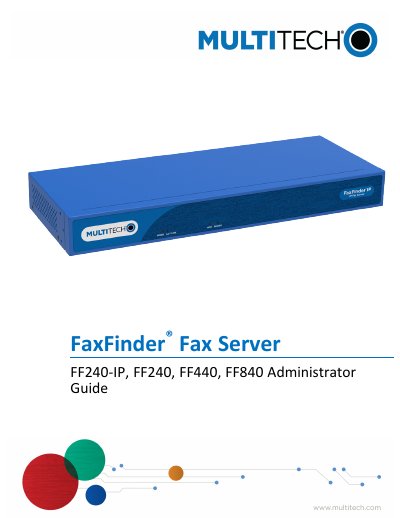

FaxFinder Fax Server FF240-IP, FF240, FF440, FF840 Administrator Guide - cover page
Brand
Multi-Tech Systems
Category
Other Electronics
Document type
User Manual
Language
English
Pages
103
File format
PDF
File size
1.6 MB
Published
13 October, 2023
Updated
13 October, 2023
MD5 checksum
9DBF5C73B5847B3ED522FB8A9490FA02

About this manual

This document serves as the administrator guide for the Multi-Tech Systems FaxFinder series of fax servers, specifically models FF240-IP, FF240, FF440, and FF840. It provides detailed instructions on performing basic configurations such as setting IP addresses, network parameters, and SMTP settings. The guide also covers essential administrative tasks including user management, contact organization, and managing inbound and outbound fax routing.

What's inside

  • Basic FaxFinder Configuration
  • Network Configuration Fields
  • Configuring SMTP
  • Adding a Printer
  • Adding Individual Users
  • Routing Inbound Faxes
  • Fax Management
  • Logging into the Web Management Interface
  • Advanced Configuration
  • Using SFTP

Specifications

Supported ModelsFF240-IP, FF240, FF440, FF840
Part Number$000663
Version1.1

Frequently asked questions

What are the supported fax server models in this guide?

The guide covers FF240-IP, FF240, FF440, and FF840.

What is the FaxFinder Fax Server used for?

The FaxFinder Fax Server is designed for sending and receiving faxes.

Which Multi-Tech Systems models are covered in this guide?

This guide covers the FF240-IP, FF240, FF440, and FF840 models.

What is the part number and version of this publication?

The part number is $000663 and the version is 1.1.

Download PDF (1.6 MB)