
Moxa Command Line Interface (FW_5.x) user manual provides instructions on how to use the software, including user guide, CLI commands, error codes and troubleshooting
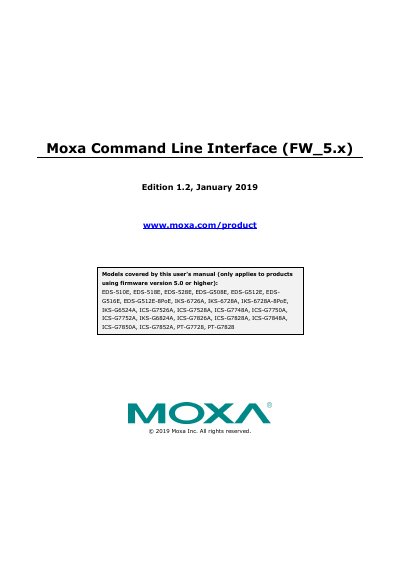
This manual explains how to use the command line interface for Moxa network switches running firmware version 5.0 or higher. It covers CLI access via serial or Telnet, command modes, and basic operations including navigating configuration levels and using help features. The document lists commands for configuration, authentication, networking, and system management.
The manual applies to specific Moxa switch models including EDS-510E, EDS-518E, IKS-6726A, ICS-G7526A, and others. It includes detailed command syntax and usage for managing switch settings, VLANs, IP configurations, security, and monitoring.
The manual covers EDS-510E, EDS-518E, EDS-528E, EDS-G508E, EDS-G512E, EDS-G516E, EDS-G512E-8PoE, IKS-6726A, IKS-6728A, IKS-6728A-8PoE, IKS-G6524A, ICS-G7526A, ICS-G7528A, ICS-G7748A, ICS-G7750A, ICS-G7752A, IKS-G6824A, ICS-G7826A, ICS-G7828A, ICS-G7848A, ICS-G7850A, ICS-G7852A, PT-G7728, PT-G7828.
The default login user name is admin, without a password.
Type Ctrl + z to jump directly back to the first level.