
Multi-channel, multi-functional, secure edge intelligent network device
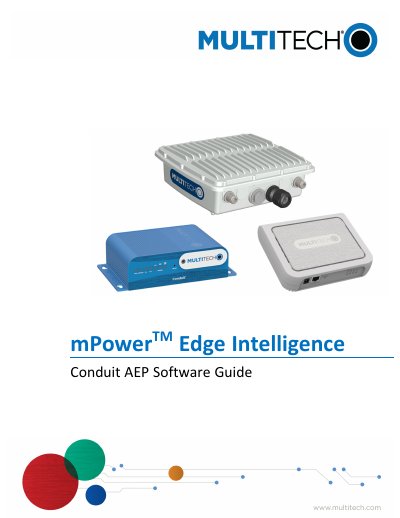
This guide explains how to configure and manage the mPower Edge Intelligence Conduit AEP software. It covers initial setup, network and cellular configurations, firewall settings, and payload management. The guide also includes sections on user accounts, remote management, and troubleshooting tools.
The software supports various communication technologies including Wi-Fi, Bluetooth, and GPS. It enables secure data communication between legacy and modern devices. Version 6.3 includes custom user roles and BACnet/Payload Management features.
This guide reviews the mPower Edge Intelligence software for Conduit devices to provide secure data communication between many types of devices that use legacy and the latest communication technologies.
You must access the device through the default 192.168.2.1 IP address to see the first-time setup after resetting it to factory default settings.
Clicking the CallHome button results in the device being reset to factory defaults.