
This manual describes the features and usage of the MultiConnect®rCell 100 series routers.
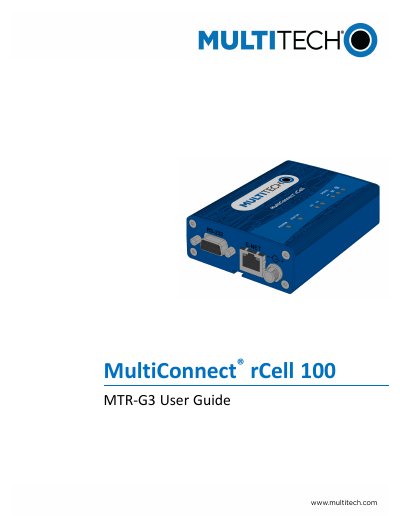
The MultiConnect rCell 100 Series Router is a cellular router designed for remote access and connectivity. This guide covers the product overview, safety warnings, and installation procedures, including mounting the device and installing the SIM card. It also details how to reset the device and restore user-defined settings.
The manual provides comprehensive instructions for configuring the router using the setup wizard. Topics include configuring IP addresses and DNS information, setting up WAN and failover configurations, and managing dynamic domain naming systems (DDNS) and DHCP servers. Users can also learn how to configure the Global Positioning System (GPS), serial ports, and time settings.
| Product Series | MultiConnect rCell 100 Series |
|---|---|
| Model Number | MTR-G3 |
| Part Number | SO00565 |
| Version | 2.4 |
The part number for this device is SO00565.
This router is designed for cellular communication networks to provide connectivity.
The device supports GSM antenna information and requirements.