
Multi-Tech MT5600BA/BL Series Data/Fax Modem User Guide

Multi-Tech Systems, Inc.发布的MT5600BA/BL Series User Guide
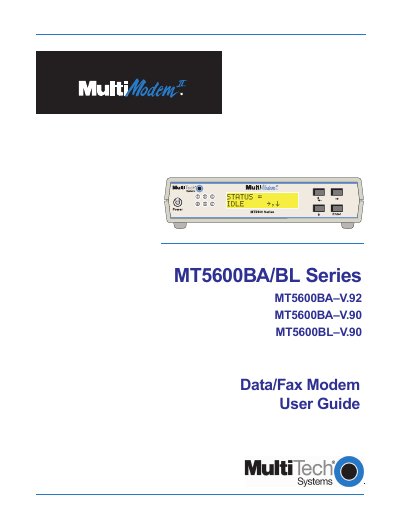

Multi-Tech MT5600BA/BL Series Data/Fax Modem User Guide - cover page
Brand
MultiTech
Category
Other Electronics
Document type
User Manual
Language
English
Pages
62
File format
PDF
File size
671 KB
Published
19 October, 2023
Updated
19 October, 2023
MD5 checksum
7AB839BBC6FC6892335509424A6F9A58

About this manual

The Multi-Tech MT5600BA/BL Series User Guide provides instructions for setting up and using the MultiModemII data/fax modems. The guide details installation steps, including connecting the modem to the system and installing drivers, as well as configuring the device via the front panel LCD or standard AT commands. It covers specific features such as leased line operation, callback security, and remote configuration.

What's inside

  • Description and Features
  • Installation
  • Using the Front Panel
  • Leased Line Operation
  • Remote Configuration
  • Callback Security
  • Troubleshooting
  • Technical Specifications
  • Upgrading the Firmware
  • Pin Descriptions

Specifications

Data Rate230.4K bps
Leased Line Data Rate33.6K bps
Fax StandardsV.17, Class 1, Group 3, V.92
Memory Capacity4 command lines
Number Length30 characters

Frequently asked questions

What leased line types does the MT5600BA support?

The MT5600BA modem supports a two-wire leased line.

What leased line types does the MT5600BL support?

The MT5600BL modem supports a four-wire leased line.

Can the modem be configured remotely?

Yes, the modem supports remote configuration.

Download PDF (671 KB)

More MultiTech Manuals


View all MultiTech manuals →