
Moxa Managed Switch Next Generation OS (v2.x) User's Manual

This manual introduces the features and usage of Moxa’s Managed Switch Next Generation OS (v2.x)
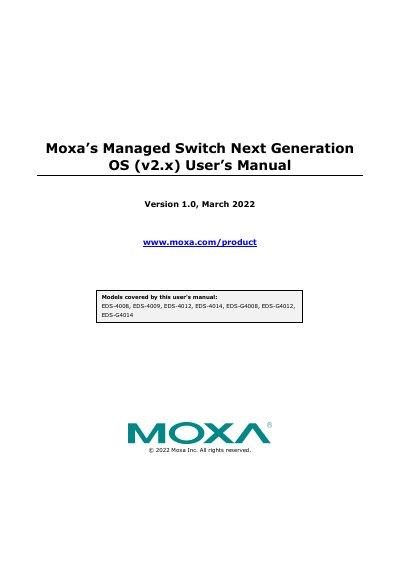

Moxa Managed Switch Next Generation OS (v2.x) User's Manual - cover page
Brand
moxa
Category
Other Electronics
Document type
User Manual
Language
English
Pages
193
File format
PDF
File size
8.1 MB
Published
19 October, 2023
Updated
19 October, 2023
MD5 checksum
C2004F33625FA68D78669F654FED9DBF

About this manual

This user's manual covers the configuration and management of Moxa's managed switch running the Next Generation OS (v2.x). It details how to connect to the device using three methods: the web interface, RS-232 console, and Telnet. The guide includes step-by-step instructions for accessing the web interface, setting up network parameters, and managing system settings.

What's inside

  • About This Manual
  • Getting Started
  • Web Interface Configuration
  • System Management
  • Network Configuration
  • VLAN
  • Security
  • Diagnostics
  • Maintenance and Tool
  • Security Guidelines

Frequently asked questions

What is the default IP address for the Moxa switch?

The default IP address for the Moxa switch is 192.168.127.253.

What is the default password for the Moxa switch?

The default password assigned to the Moxa switch is moxa.

Which models are covered by this user's manual?

This manual covers the EDS-4008, EDS-4009, EDS-4012, EDS-4014, EDS-G4008, EDS-G4012, and EDS-G4014 models.

Download PDF (8.1 MB)

More moxa Manuals


View all moxa manuals →