
V2616 Series Quick Installation Guide introduces the features and characteristics of the V2616 series embedded computers, including the processor, serial ports, network ports, video interface, etc.
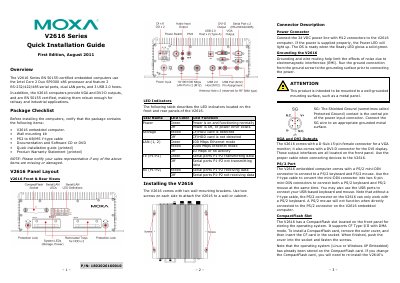
This guide provides step-by-step instructions for installing and configuring the V2616 Series embedded computers. It covers hardware setup, including mounting, power, grounding, and connecting peripherals like VGA/DVI displays, PS/2 devices, and USB storage. The guide also details Ethernet and serial port configurations, CompactFlash installation, and real-time clock battery handling. It includes default IP settings for LAN ports and basic commands for Linux and Windows OS configuration.
| Processor | Intel Core 2 Duo SP9300 x86 |
|---|---|
| Serial Ports | 2 RS-232/422/485 |
| Ethernet Ports | Dual 10/100/1000 Mbps |
| USB Ports | 3 USB 2.0 hosts |
| Certification | EN 50155 |
The default IP address for LAN1 is 192.168.3.127 with netmask 255.255.255.0.
Use the commands #ifdown –a, #vi /etc/network/interfaces, and #sync; ifup –a to configure the network settings.
Do not replace the lithium battery without help from a qualified Moxa support engineer. Contact the Moxa RMA service team.
Use a Y-type cable to connect both a PS/2 keyboard and mouse, or use USB ports for USB-based devices.