
This document is the user manual for the remote keypad.
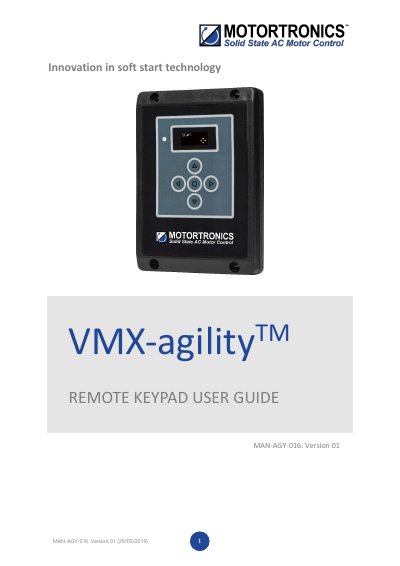
This guide explains how to connect and operate the VMX-agilityTM Remote Keypad with VMX-agilityTM soft starters. It covers network setup, Modbus configuration, unit selection, and firmware updates. The keypad acts as a Modbus master and can control up to 32 host units. Proper configuration ensures stable communication and prevents equipment damage.
Installation requires mounting the keypad on a vertical surface with adequate access. Firmware updates are performed via USB, and all units must have matching firmware versions for optimal operation.
The remote keypad can control up to 32 VMX-agilityTM soft starters.
The remote keypad is powered from the host VMX-agilityTM and requires an Ethernet cable for communication.
Scroll to DEVICE menu → KEYPAD menu → KEYPAD PWR = ON.
Communication will not be established, and the keypad will display an error screen.