
The VMX-AGY-010-N4 is an IP66 waterproof and dustproof remote control panel that can directly control, monitor and program up to 32 VMX-agilityTM soft starters.
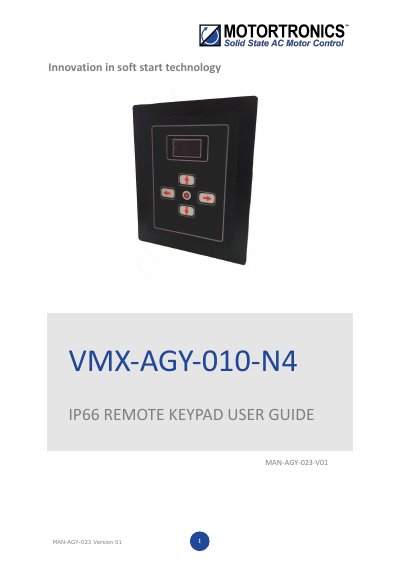
This user guide explains how to install, configure, and operate the VMX-AGY-010-N4 IP66 Remote Keypad, which controls up to 32 VMX-agilityTM soft starters. It details network connection via Ethernet (Modbus RTU), enabling keypad power, selecting Modbus addresses, and firmware updates. The guide assumes familiarity with VMX-agilityTM units and includes mounting instructions and compatibility notes.
The keypad acts as a Modbus master and requires consistent communication parameters across all connected units. It supports switching between multiple host units using address selection, and firmware updates are performed via USB flash drive.
Scroll to DEVICE menu → KEYPAD menu → KEYPAD PWR = ON.
Communication will not be established, and the keypad will display an error screen.
Download the latest firmware from www.motortronics-uk.co.uk, copy it to a USB flash drive, power down the keypad, insert the USB, and power it back up.