
This manual describes how to install and set up USB-Link™
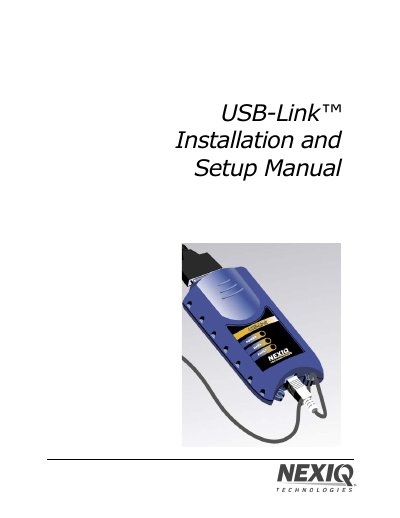
The USB-Link is a hardware device that enables service bay PCs to retrieve vehicle information using either Bluetooth wireless technology or a cable connection. The manual introduces the device, lists specifications and system requirements, explains installation and Bluetooth configuration, and describes connecting and pairing with a vehicle.
It also covers testing the connection to the vehicle, setting up diagnostic PC applications, troubleshooting LED, configuration, and wireless communication issues, and choosing cable adapters by part number.
| Physical Dimensions | 5.86" x 3.02" x 1.78" (149 mm x 77 mm x 45 mm) |
|---|---|
| Weight | 4.6 oz. (0.13 kg) |
| Power Requirements | 10 - 32 VDC @ 350 mA maximum |
| Operating Temperature | 0 to +70 °C |
| API Driver | TMC RP1210A and RP1210B compliant; SAE J2534 compliant |
| USB Communication | USB Device, version 1.1 |
| Wireless Communication | Bluetooth® Class 1 adapter (up to 100 m range) |
| Wired Communication | USB cable 15 ft. (5 m) maximum |
| Connectors | Vehicle Connector DB15F; USB Connector Type B jack |
The USB-Link supports Windows XP and Windows 7.
No. If your PC has Integrated Bluetooth, you must uninstall Integrated Bluetooth and its drivers before installation.
It can connect wirelessly using Bluetooth technology or by using a traditional cable connection.
The maximum wired USB cable length is 15 ft. (5 m).