
This is a manual on how to log in and view your payslip
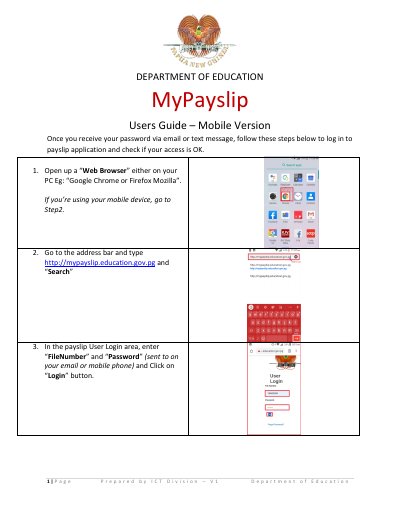
This guide explains how to log in to the MyPayslip application using a file number and password received via email or text. Users can view and download their payslip details after logging in. To log out, users click the 'Logout' button on the top left of the payslip window.
You must type http://mypayslip.education.gov.pg into the address bar.
You need to enter your FileNumber and Password in the login area.
Click on Payslip in the download column to automatically download the file.