
This manual is a document for providing user guidance for the DIRI P12 smart watch, including the charging method, connection method, and precautions.
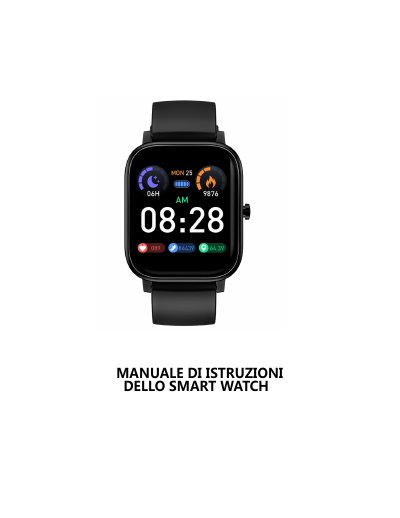
This manual guides users through charging the DIRI P12 smart watch using the included magnetic charger. It also explains how to connect the watch to a smartphone via Bluetooth using the Diri Fit app, compatible with Android 5.0+ and iOS 9.0+. The guide includes troubleshooting tips for common issues like push notifications not working or frequent disconnections, with specific steps for various phone brands including OPPO, Vivo, Xiaomi, Meizu, Huawei, OnePlus, and Samsung. This manual is written in Italian.
The measurement position of the watch is in the two main branches of the artery, while the sphygmomanometer measures in the brachial artery. Under normal conditions, the arterial blood pressure values differ by 3 to 40.
Hot bath water produces steam, which can seep into the watch's casing and cause internal circuit shorting and damage.
Push notifications require notification permissions to be enabled in the phone's settings for apps like WhatsApp, Facebook, SMS, etc. If the notification banner is not visible, the watch won't receive push messages.
This may be caused by the phone's system blocking or cleaning the app's software. Users should enable auto-start and whitelist permissions for the app on their specific phone brand.