
This manual describes the use of KCU-01 monitoring software.
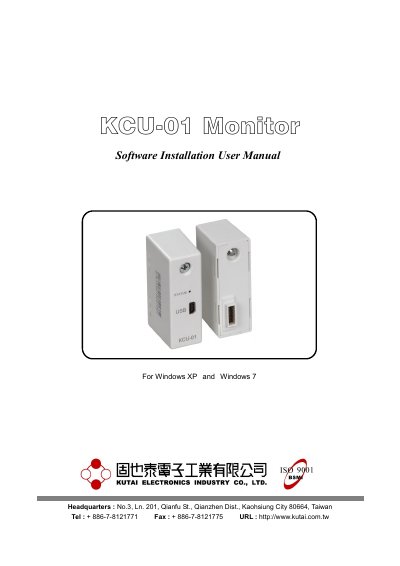
This manual provides instructions for installing the KCU-01 monitor software, including application setup, USB driver installation, system settings, connection procedures, monitoring, parameter adjustments, and figure recording. It covers setup for Windows XP and Windows 7 systems and includes troubleshooting steps for driver compatibility and connection issues.
The guide also explains how to configure data logging, event logging, language settings, and connection modes (USB port or USB modem). Users can modify parameters, update settings, and record data with customizable intervals and display options.
Windows XP and Windows 7.
Insert the installation disk, double-click setup.exe, select the installation directory, and follow the wizard steps.
Connect the KCU-01 module via USB, select 'Install from a list or specific location', browse to the 'driver' folder, select kcu01.inf, and continue.
Click 'Setting Options' in the main menu, modify the language, and restart the system for changes to take effect.