
Instructions for KEW MATE 2000/2001 digital multimeter AC/DC clamp sensor. The instructions include how to turn on, turn off, select the power source, select the range, measure, zero drift correction, self-test, etc.
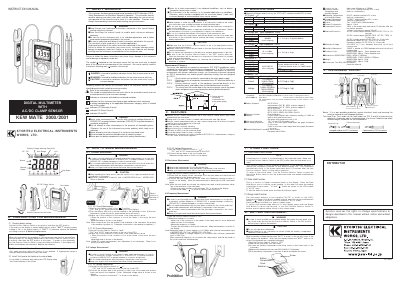
This document is the instruction manual for the Kyoritsu MATE 2000 and MATE 2001 digital multimeters, which feature an integrated AC/DC clamp sensor. The manual provides safety warnings, operating procedures for current and voltage measurements, and instrument layout details.
| Measuring Range (AC Voltage) | 0-720V |
|---|---|
| Measuring Range (DC Voltage) | 0-720V |
| Input Impedance | 10MΩ |
| Power Supply | Two 1.5VDC R03 (UM-4) batteries |
| Operating Temperature | 22°C+5°C, relative humidity 75% or less |
| Weight | Approx. 400 g |
The maximum measurable conductor size is 6mm for MODEL 2000 and 10mm for MODEL 2001.
Set the Function Selector Switch to any position other than OFF; if the display is legible without the 'BATT' symbol, the voltage is OK.
No, unlike DC current measurement, zero adjustment is not necessary for AC current measurement.